 3AM Marketer
GSC Device Filters Add Multi-Select for 3 Types
Google Search Console now allows multi-select filtering across Desktop, Mobile, and Tablet categories in Performance reports.
Google Search Console rolled out multi-select device filtering across Desktop, Mobile, and Tablet options simultaneously within the Performance report. Users can now check off all 3 device types together instead of selecting just one category at a time.1
The multi-select release follows a similar addition for countries, which Google added to the Performance report one month prior. The default view of the report continues to display click and impression data for the past three months, while Search type and date filters remain permanent fixtures that cannot be removed.123
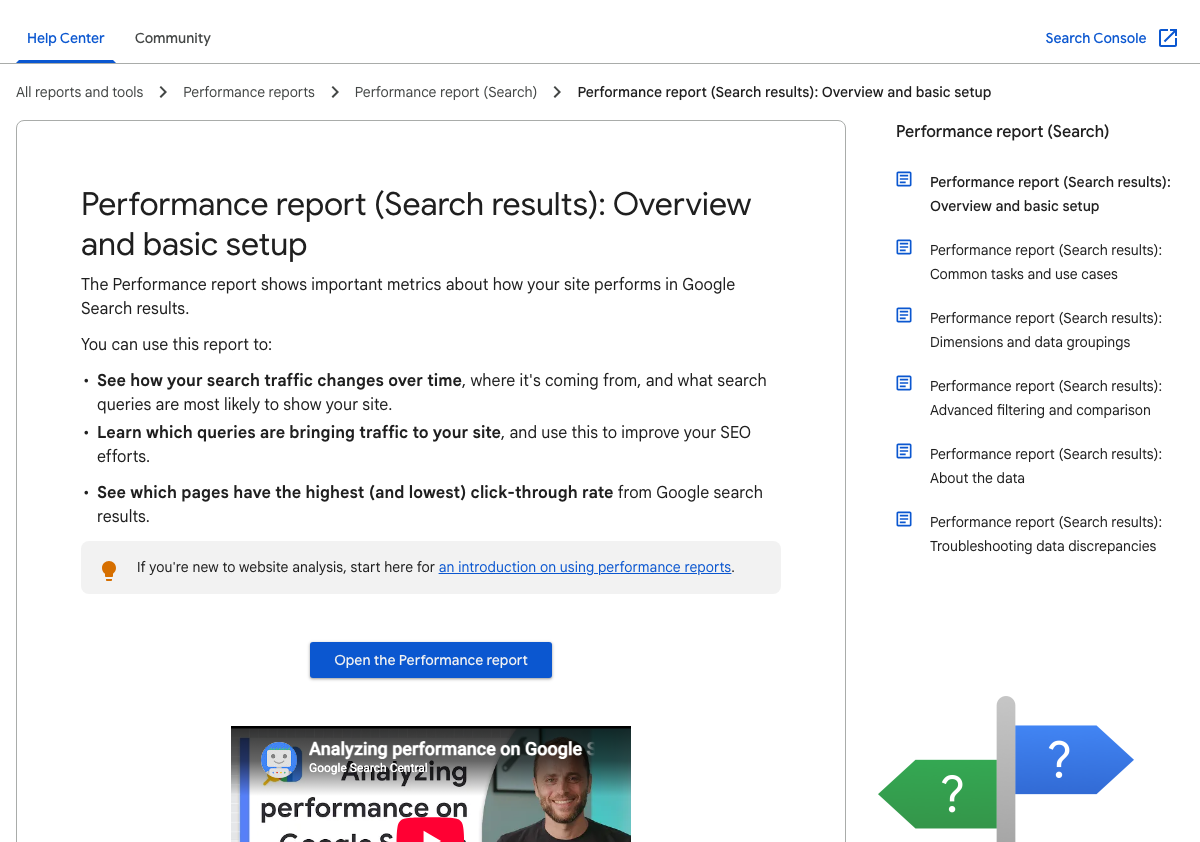
Side-by-side device comparisons
Beyond grouping combined segments, teams can evaluate two hardware profiles directly through the comparison tool in the Performance report. Only one comparison can be active at a time, and adding a new comparison filter replaces the existing one.3
When comparing two device values, the results table displays a Difference column to contrast metrics across each row. If a query or page value is very rare in one group but present in the other, the rare group displays a ~ symbol to designate the data as not available.3
Filtering by more than one dimension
Search Console allows users to filter data by multiple dimensions simultaneously across standard queries and pages. This setup lets teams isolate specific device segments alongside location and query filters without wiping custom segments.3
Why chart and table totals differ
When running multi-device filters, chart totals and table totals in the report may show conflicting numbers. This discrepancy occurs because of differing aggregation methods, specifically property-level versus page-level aggregation, rather than missing log files or delayed reporting.2