 3AM Marketer
Hugging Face Adds Google Cloud Marketplace Billing
Hugging Face organizations can now bill Team and Enterprise subscriptions, storage, and pay-as-you-go compute through a Google Cloud invoice instead of a credit card.
Organizations can now link their Hugging Face accounts to Google Cloud so usage appears on a Google Cloud invoice instead of a credit card. The Google Cloud Marketplace integration covers Team and Enterprise subscriptions, additional storage, and pay-as-you-go compute across Jobs, Inference Endpoints, Inference Providers, GPU Spaces, and ZeroGPU quota extensions at public Hugging Face pricing.12
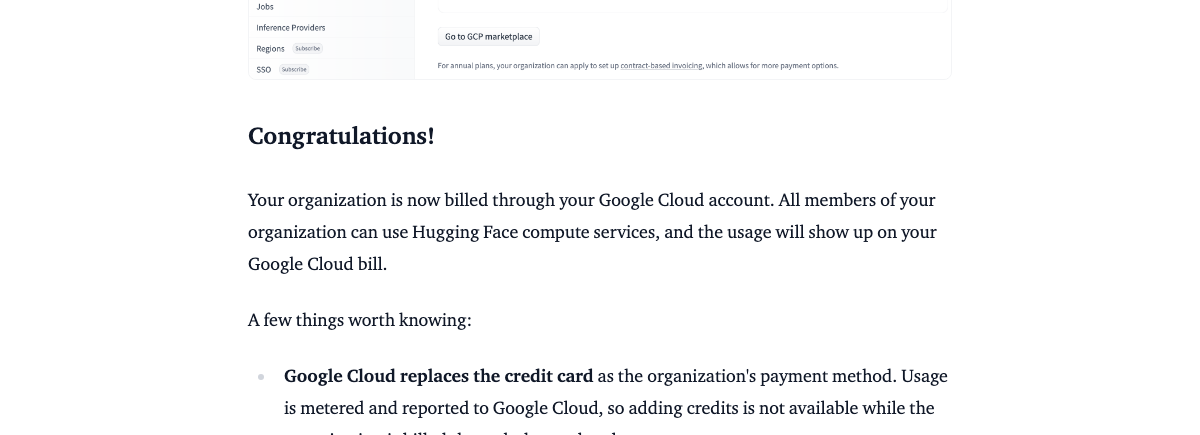
How Google Cloud marketplace billing works
Once enabled, cloud marketplace billing is available for organizations only and replaces the existing credit card as the payment method.3
Team subscriptions can be paid via credit card, AWS, or Google Cloud, while Enterprise subscriptions are upgraded through an annual contract. Companies billed through Google Cloud pay the same public rates as other Hugging Face customers.23
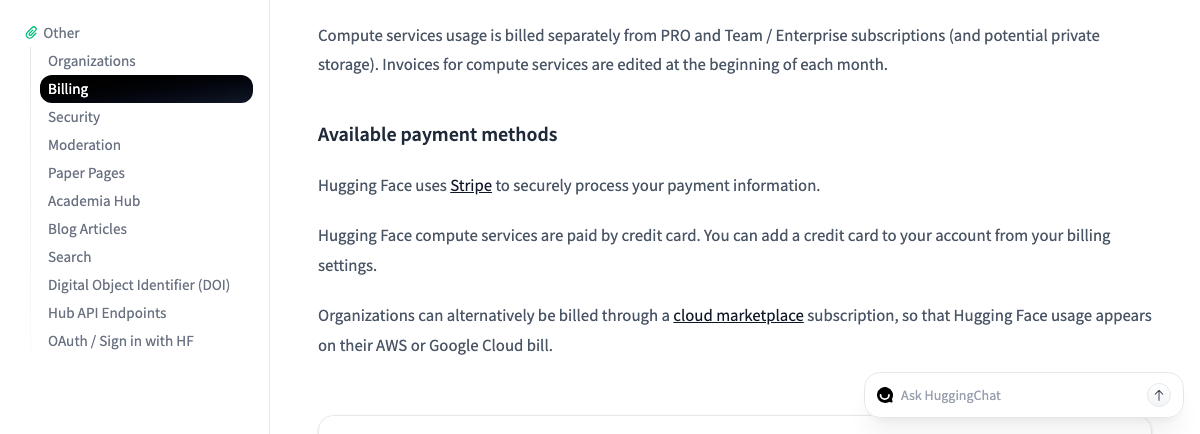
Transitioning from a credit card to marketplace
Every cloud marketplace subscription requires review and approval by the Hugging Face team before paid usage starts billing through Google Cloud. While that review is in pending status, any usage continues to be charged to the organization's existing payment method if one is on file.12
The cutover timing after approval depends on your current billing setup. Organizations on the free tier with no credit card on file typically switch immediately, whereas organizations with a credit card on file transition at the start of their next billing period.34
Monthly credits, compute metering, and invoices
For Team and Enterprise subscribers, monthly included credits are applied automatically before any pay-as-you-go usage is reported to Google Cloud. Because usage is metered and reported directly to the cloud provider, the option to add credits manually is disabled while an organization is billed through the marketplace.13
Compute services usage is billed separately from Team or Enterprise subscriptions and any private storage line items.3
Audit logs and console visibility
Both linking and unlinking a cloud marketplace account are recorded in the organization's audit logs. Admins can monitor usage from the billing section of their Hugging Face settings, while charges also appear in the Billing reports of the Google Cloud console.12